How WordPress Became
a Bigger Security Target
As the platform evolved, it became more capable, more widespread, and more attractive to attackers, while the security landscape around it became more complex as the ecosystem continued to grow.
WordPress did not become a security target because of one particular weakness.
It became a bigger target gradually, as the platform grew, more organizations adopted it, and a large ecosystem developed around it.
At the time of writing, WordPress powers about 40.2% of all websites and holds approximately 58.8% of the CMS market among websites whose content management system is known. That scale creates an obvious incentive for attackers. A vulnerability affecting a popular plugin, theme, or other component might expose many websites at once. (Source: W3Techs)
But popularity is only one part of the story.
Modern WordPress security is also shaped by the size of the ecosystem, the components a website relies on, how long those components remain in use, how quickly vulnerabilities can be exploited, and how automation is changing both attacks and defense.
The black coffee I drink in the mornings tastes even more bitter when Monday starts with repairing a website that was attacked over the weekend.
Popularity Attracts More Attacks
An attack does not necessarily need to target a particular company.
Attackers might randomly target websites to exploit, or leave much of the searching to automation.
They also have smarter tools in their playground now, including AI-assisted tools that can speed up parts of the attack process.
Automated systems can scan the web for recognizable technologies, outdated components, exposed functionality, weak credentials, or known vulnerabilities.
WordPress is popular enough that tools exist specifically to identify and target WordPress websites at scale. (Source: WPScan)
WordPress became so established that even spell checkers stopped arguing with it.
For WordPress websites, this means that even a small business may be exposed to the same automated scanning as a large organization.
The person behind the attack may know nothing about the business. The website only needs to match the conditions the automated scan is looking for.
A Much Bigger Ecosystem Grew Around WordPress Core
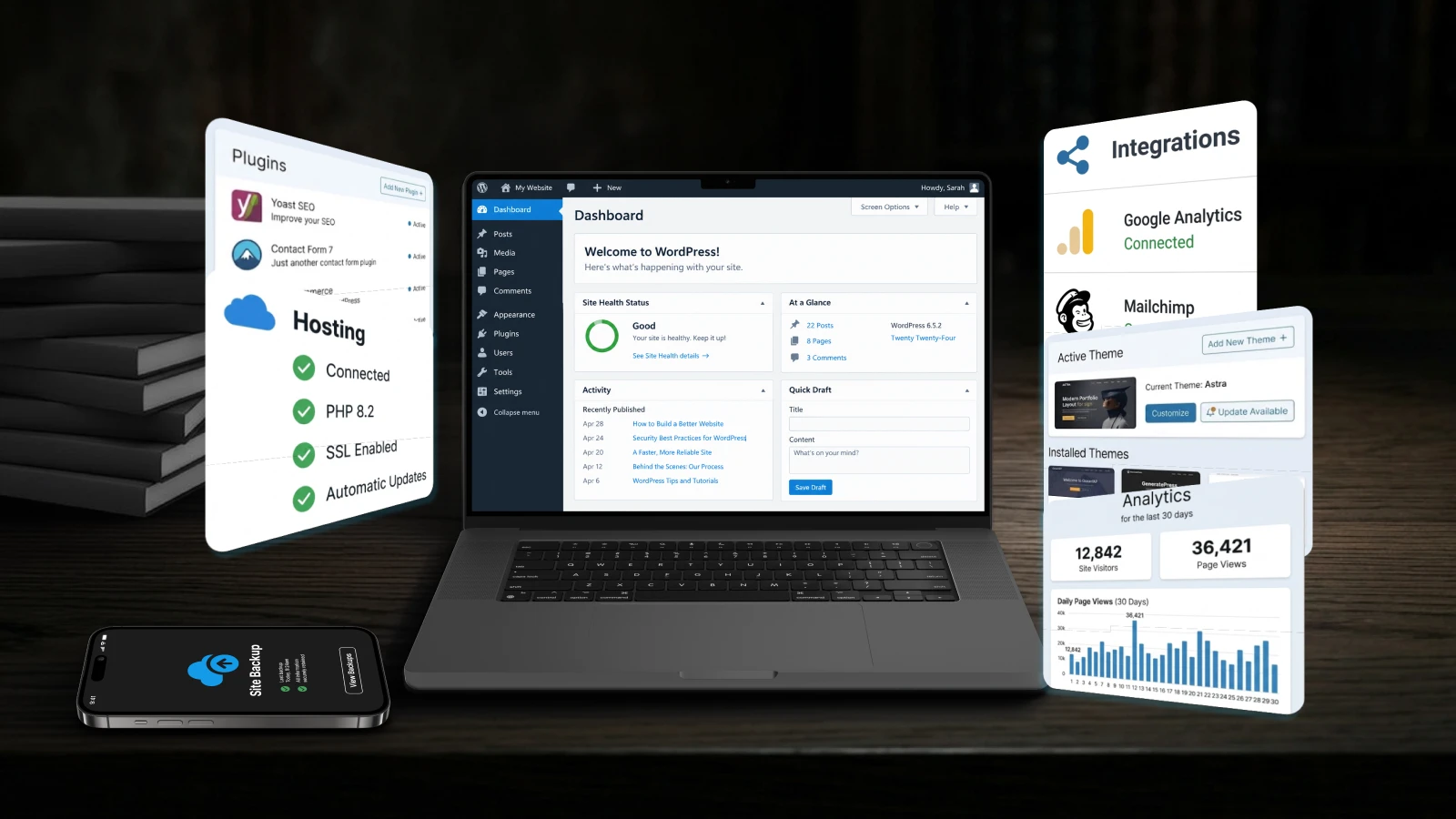
As we discussed in the first article in this series, a WordPress website is no longer defined only by the Core software.
A modern WordPress website may also depend on themes, plugins, custom code, integrations, APIs, page builders, e-commerce extensions, forms, analytics tools, caching systems, hosting configuration, and external services.
That ecosystem is one of WordPress’s greatest strengths. It is also much larger than Core itself.
A website can run an up-to-date version of WordPress Core and still depend on many other components, each with its own updates, maintenance needs, configuration, and security considerations.
Patchstack reported 11,334 new vulnerabilities across the WordPress ecosystem in 2025, a 42% increase compared with 2024. Of those, 91% were found in plugins and 9% in themes, while only six were reported in WordPress Core and were categorized as low priority. (Source: Patchstack, State of WordPress Security in 2026)
The numbers make the bigger picture easier to see: keeping Core updated is necessary, but the security of a WordPress website also depends on the many components and services built around it.
More Components, More to Maintain, More Exposure
Two WordPress websites can use the same version of Core and still be very different underneath.
One may use a lightweight custom theme and a small number of carefully selected plugins. Another may have grown over many years, gathering plugins, custom modifications, legacy integrations, and functionality introduced by different developers or teams.
That flexibility is part of what makes WordPress useful. It also means that every additional component becomes another part of the website that needs to be understood, maintained, and monitored.
More components do not automatically make a website insecure. But they do create more places where outdated software, abandoned functionality, poor configuration, or forgotten dependencies may appear.
The opposite can also happen. I once had to revive a hacked website that had no plugins installed at all. In that case, the problem appeared to be outside WordPress itself, with the previous server lacking adequate security measures.
For each dependency assessment, useful questions include:
* Is it still needed?
* Is it still actively maintained?
* Does it receive security updates?
* Is it compatible with the rest of the website?
* Is it still supported by its developer or vendor?
* Has it caused problems or required repeated fixes?
* Can it be updated safely without affecting existing functionality?
The problem is not simply the number of plugins or components.
A website with several carefully selected and actively maintained dependencies may be easier to manage than one with only a few outdated or poorly understood ones.
What matters is whether those dependencies are known, necessary, maintained, and still belong in the website.
How Quickly Can Vulnerabilities Be Exploited?
Once a vulnerability becomes public, the time available to react may be shorter than many website owners expect.
Information can move quickly through vulnerability databases, security research, vendor disclosures, hosting providers, and automated systems.
Patchstack’s analysis of heavily exploited WordPress vulnerabilities found a median time to mass exploitation of five hours. It also found that approximately half of the high-impact vulnerabilities included in its analysis were first exploited within 24 hours. (Source: Patchstack, State of WordPress Security in 2026)
That may sound alarming, but it does not mean that every vulnerable website will be compromised within five hours.
In many situations, the required response may be as straightforward as updating or replacing the affected component with a clean version.
If a website has already been compromised, the situation is different and needs a more careful response. We will cover that separately in future articles in this series: Your WordPress Website Was Hacked. What Happens Next? and How to Recover Your WordPress Website After an Attack.
For now, the important takeaway is simpler: when a serious vulnerability affects something your website uses, it is worth paying attention sooner rather than later.
Automation and AI in Website Security
Automation plays an important role in website management.
Updates can be automated or scheduled. Backups can run regularly. Monitoring tools can detect downtime, file changes, suspicious behavior, or outdated software.
The same principle works on the other side. Automated tools can scan large numbers of systems and look for known weaknesses or exposed components.
AI adds another layer to this.
Recent cybersecurity research shows that AI systems can assist with reconnaissance, tool development, vulnerability research, and other security-related tasks. These capabilities can support defensive work, but they can also increase the speed and scale of malicious activity. (Source: Anthropic, Detecting and countering misuse of AI: September 2026)
For website owners, AI did not suddenly create a new category of attack. What changes is how quickly some of the work involved can be performed and how much of it can be automated.
A website still does not need to attract someone’s personal attention before it is tested.
The attack may be impersonal to the person behind it, while the consequences are very personal to the website owner.
Sharing security knowledge responsibly matters. Publishing detailed steps that make an attack easy to reproduce can cross the line from education into enablement. Responsible security research should help people understand risks and fix vulnerabilities, rather than make exploitation easier.
Where Automatic Updates Help, and Where They Do Not
Updates are essential for fixing known problems, but software changes can also introduce new bugs, compatibility issues, or security risks of their own. (Source: NIST)
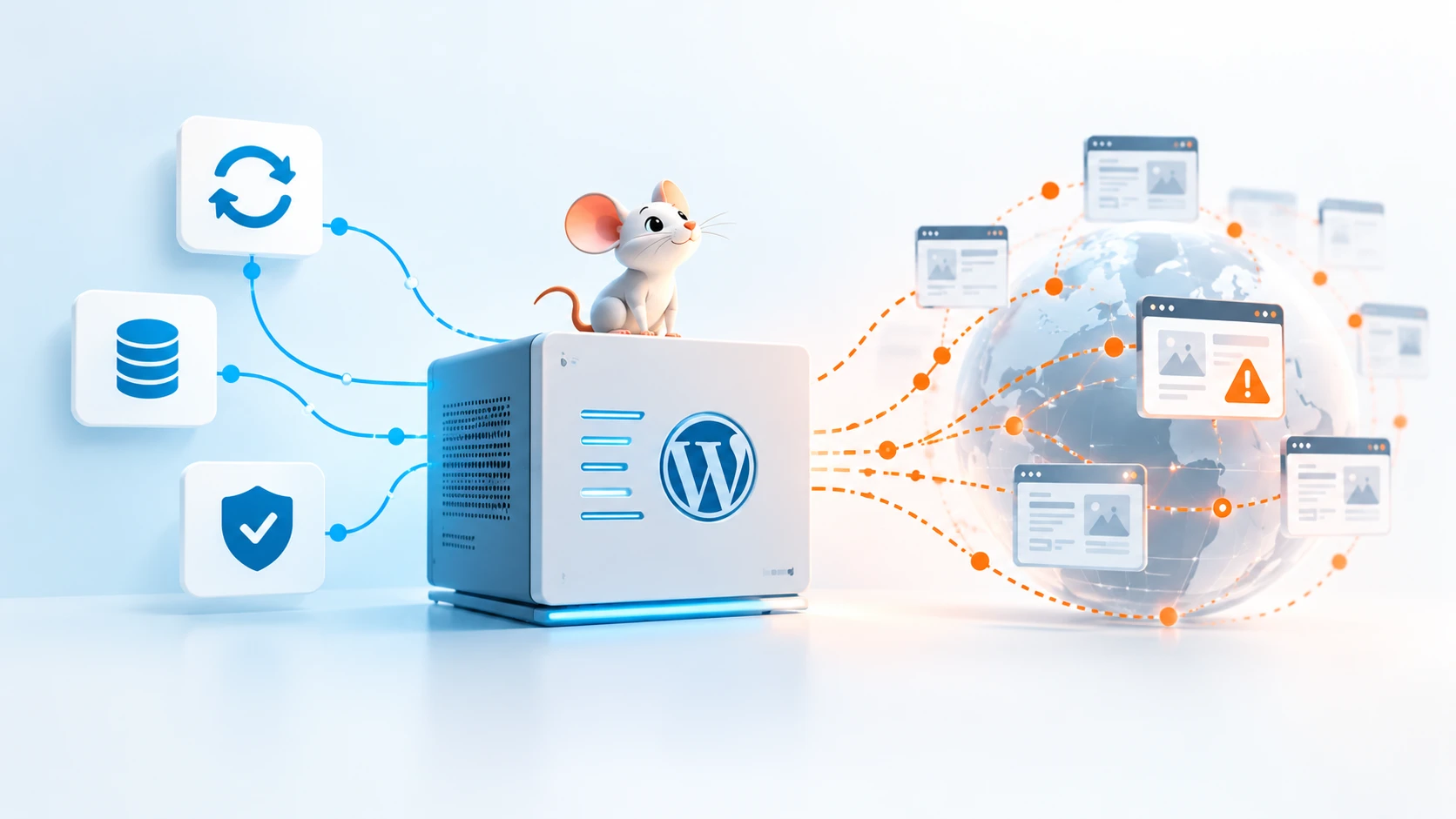
WordPress supports automatic updates for Core, plugins, and themes, depending on how the website is configured. Its documentation also recommends keeping plugins and themes current and maintaining reliable backups. (Source: WordPress.org)
While we make the maintenance decisions, automatic updates can take care of some of the work we once had to do manually.
An update may introduce a compatibility problem. A plugin may stop being maintained. Custom functionality may require testing. A failed update may need investigation. Some security issues may require more than installing a new version.
We will look more closely at that broader process in Build a Reliable WordPress Maintenance and Security Strategy.
This Is What Website Security Actually Includes
Website security discussions often focus on malware or visible compromise.
But maintaining a website also involves areas such as:
* administrator and user access: who can log in and what they are allowed to do
* passwords and authentication: how access is protected
* backups and recovery: whether the website can be restored after a problem
* software updates: whether Core, plugins, themes, and other components stay current
* unused components: whether old or unnecessary functionality is still present
* hosting configuration: how the server environment is secured and maintained
* database and file access: who or what can reach important website data
* integrations: how external services connect to the website
* monitoring: whether suspicious changes or failures can be noticed
* incident response: what happens when something actually goes wrong
A website may appear completely normal while some of these areas are poorly controlled.
Being Popular Does Not Make a Platform Insecure
Being a frequent target does not mean that WordPress is inherently insecure.
WordPress Core has an active Security Team and receives security updates. Keeping installations current remains important as vulnerabilities are discovered and fixed over time.
A real WordPress website also extends beyond Core, with themes, plugins, hosting, integrations, and other services contributing to its overall security.
The point is not to avoid WordPress. It is to understand that a mature website needs ongoing attention as the platform and its surrounding ecosystem continue to evolve.
Final Thoughts
A platform used on such a large scale will naturally attract attention, including the kind website owners would rather avoid.
Its popularity is only part of what changed. The ecosystem around WordPress grew, websites became more complex, vulnerabilities can be tested faster, and automation has made large-scale scanning easier.
That does not make WordPress a poor choice. It means that security has to evolve together with the platform and the websites built on top of it.
The next article in the WordPress Maturity series will look at a question that often comes with mature software: if WordPress has been around for so long, why does it still need so many security updates?
How Mature Is Your WordPress Website?
A WordPress website can remain online for years while responsibilities such as updates, access, backups, component maintenance, and monitoring gradually become harder to evaluate.
- Our WordPress Website Assessment helps you review the current state of your website through a short set of practical questions and receive an immediate result based on your answers.
- Use the assessment to identify areas that may deserve closer attention and get a clearer picture of how well your current WordPress setup supports your business.